
Appearance
Unity 协程 Coroutine
协程是什么
协程就是:可以暂停、稍后继续执行的函数。
普通方法会一口气跑完;协程可以执行到一半,遇到 yield return 暂停,把控制权还给 Unity,等下一帧、几秒后、某个条件满足后,再从暂停的位置继续。
c
IEnumerator SayHelloLater()
{
    Debug.Log("开始");

    yield return new WaitForSeconds(2f);

    Debug.Log("两秒后继续");
}启动协程要用:
c
StartCoroutine(SayHelloLater());三个核心词
IEnumerator:表示这个方法可以被 Unity 分段执行。 yield return:暂停点。 StartCoroutine():让 Unity 开始管理这个协程。
常见等待方式
c
yield return null;                          // 下一帧继续
yield return new WaitForSeconds(2f);        // 等 2 秒,受 timeScale 影响
yield return new WaitForSecondsRealtime(2f);// 等真实 2 秒
yield return new WaitUntil(() => ready);    // 等到 ready 为 true
yield return new WaitForFixedUpdate(); // 等下一次 FixedUpdateUnity 常用场景
延迟执行:
c
IEnumerator ExplodeLater()
{
    yield return new WaitForSeconds(2f);
    Explode();
}技能冷却:
c
IEnumerator Cooldown()
{
    canFire = false;
    yield return new WaitForSeconds(1.5f);
    canFire = true;
}刷怪波次:
c
IEnumerator SpawnWave()
{
    for (int i = 0; i < 5; i++)
    {
        SpawnEnemy();
        yield return new WaitForSeconds(1f);
    }
}重要误区
协程不是线程。协程里的代码仍然跑在 Unity 主线程上。 如果你在协程里写很重的计算,或者写 while(true) 却没有 yield return,游戏一样会卡死。
停止协程
c
Coroutine routine;

routine = StartCoroutine(SpawnWave());

StopCoroutine(routine);
StopAllCoroutines();GameObject 被 SetActive(false) 或脚本被 Destroy 时,相关协程会停止。 但只把脚本 enabled = false,官方文档说明不会停止协程。
选择口诀
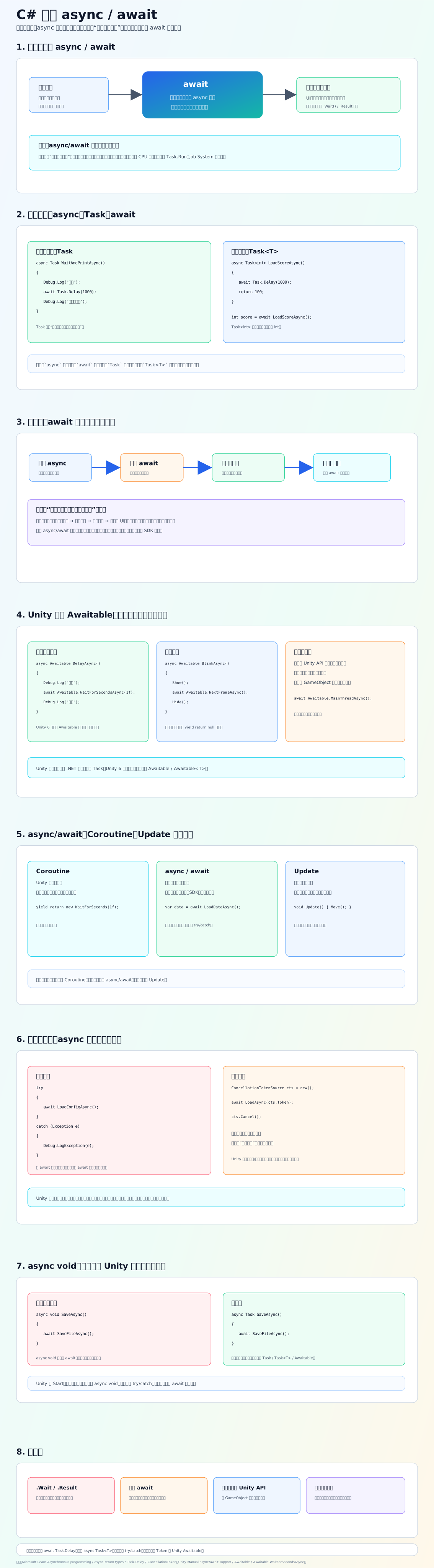
每帧持续检测:用 Update。 延迟、渐变、波次、顺序流程:用 Coroutine。 真正后台任务或重计算:考虑 async/await、Job System 或线程方案。
参考链接